MotionLine Studio

Motionline Studio is a 2D drawing app for smart and lazy artists who want animated line art without dealing with frame-by-frame animation.
Just draw like you normally would, then apply an animation style to your drawings or imported images.

Brushes and Animation Styles
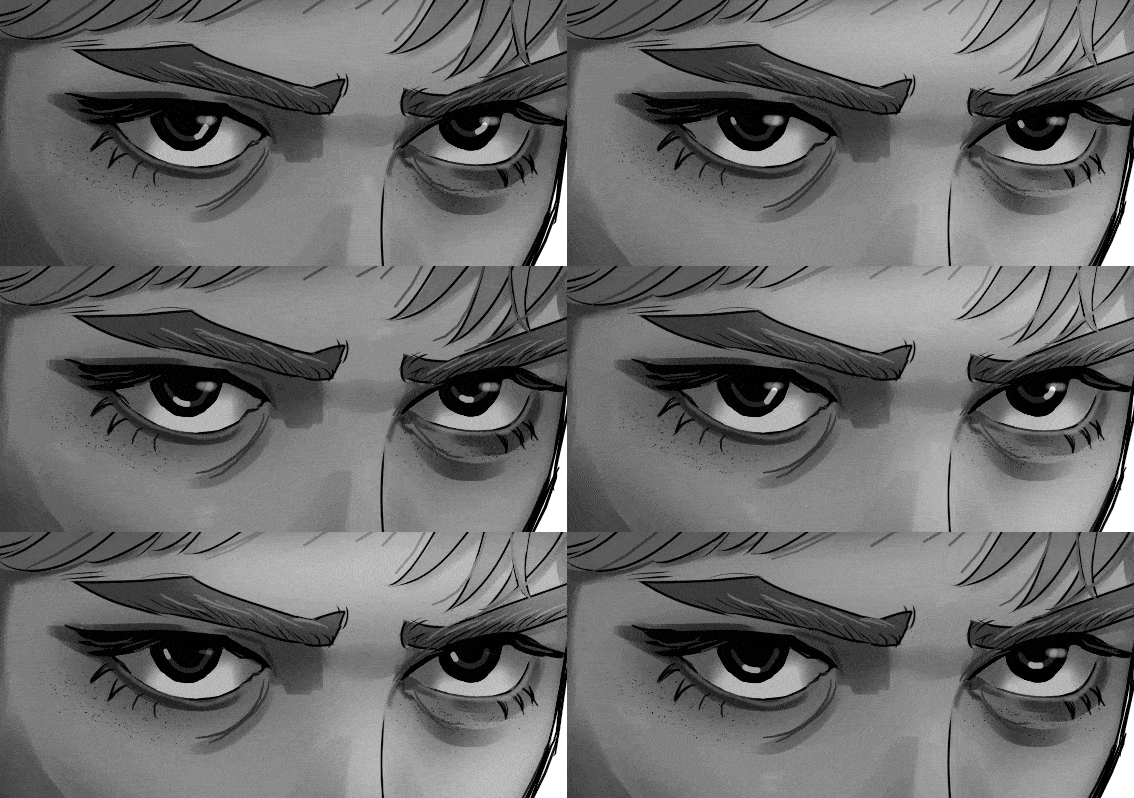
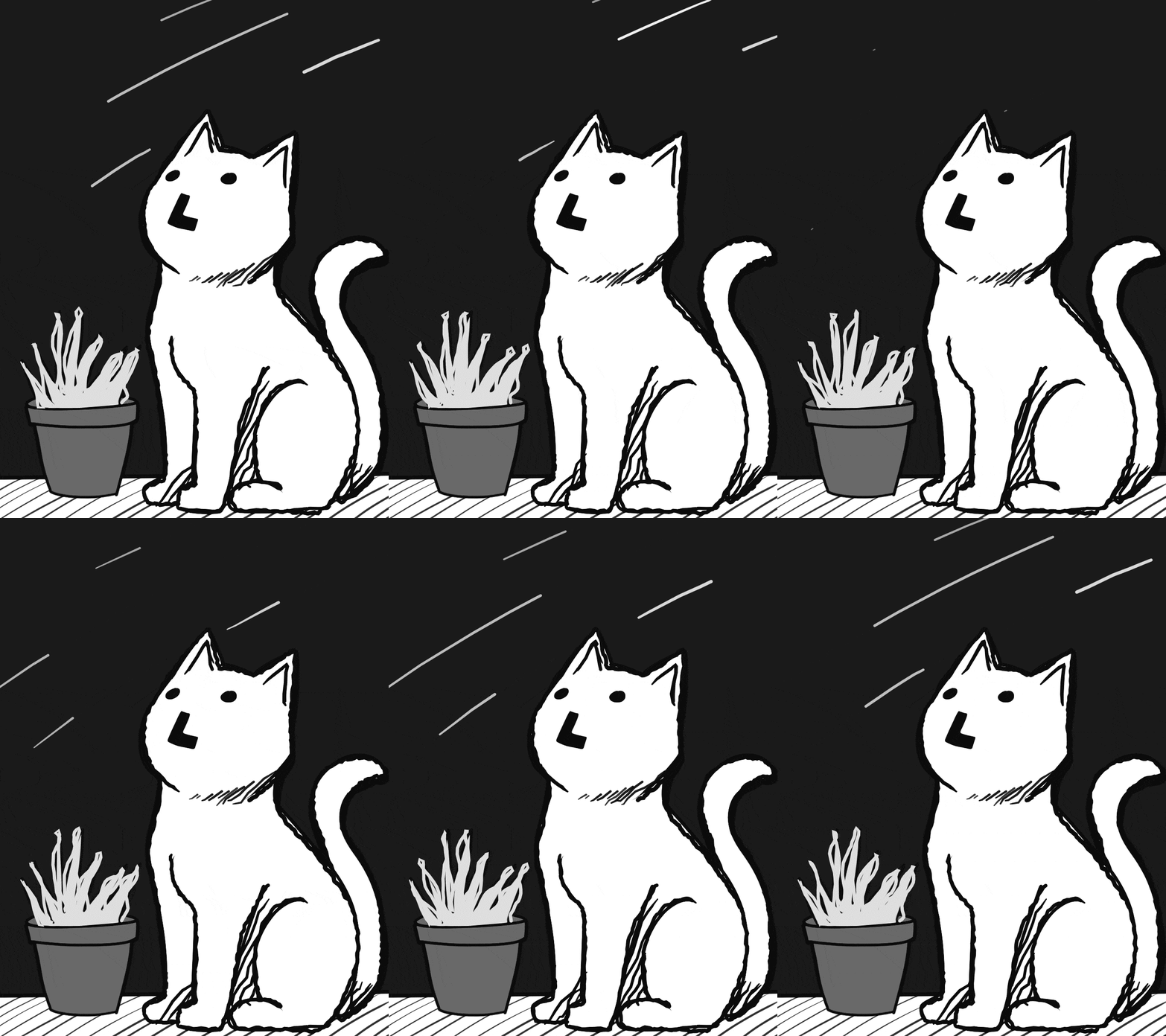
In Motionline Studio, brushes and animation styles are completely separate. Draw with any brush, then apply any animation style to your layer.
Animation Styles
Choose from several animation styles; every layer has its own animation settings, including speed and intensity controls.
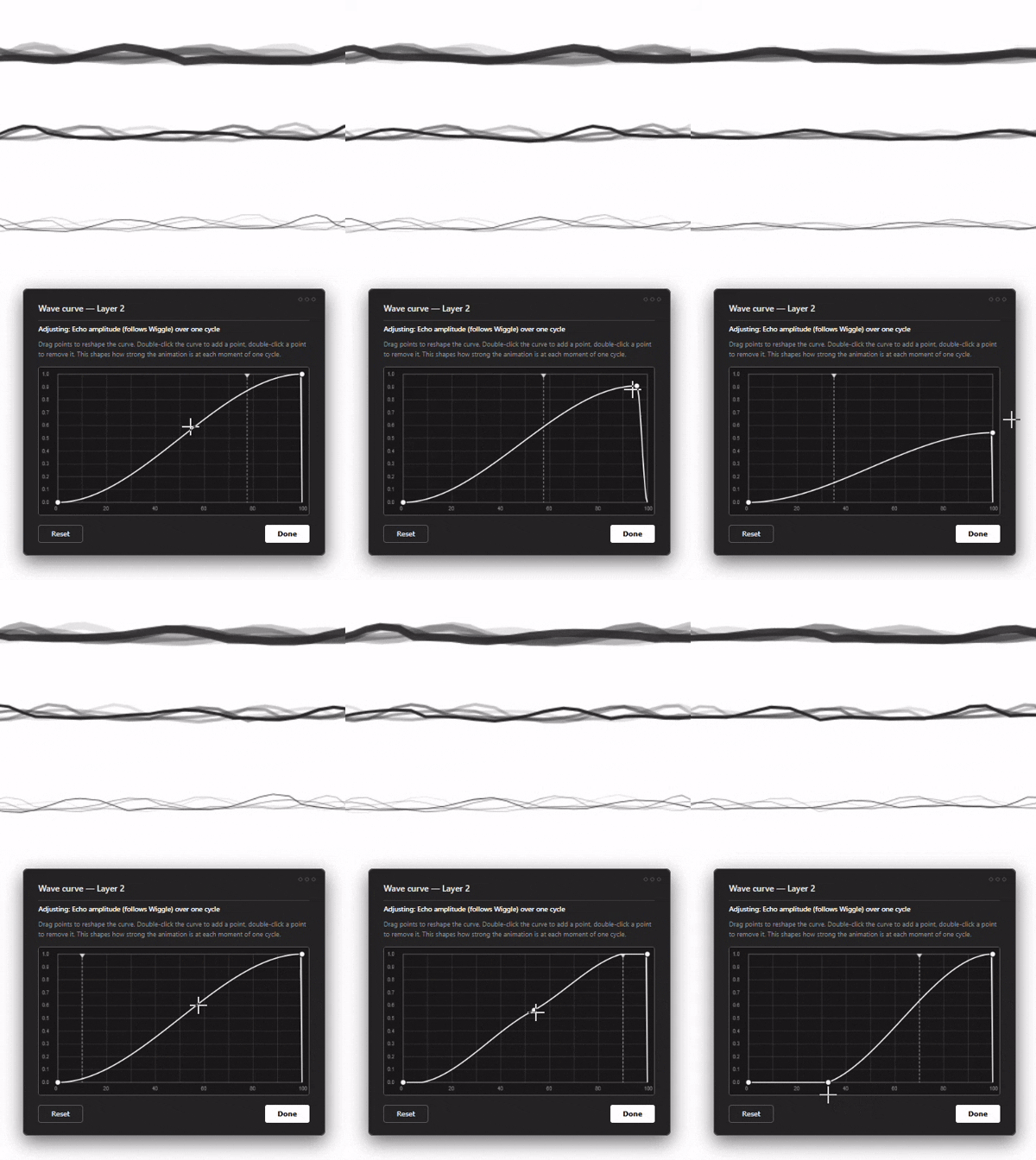
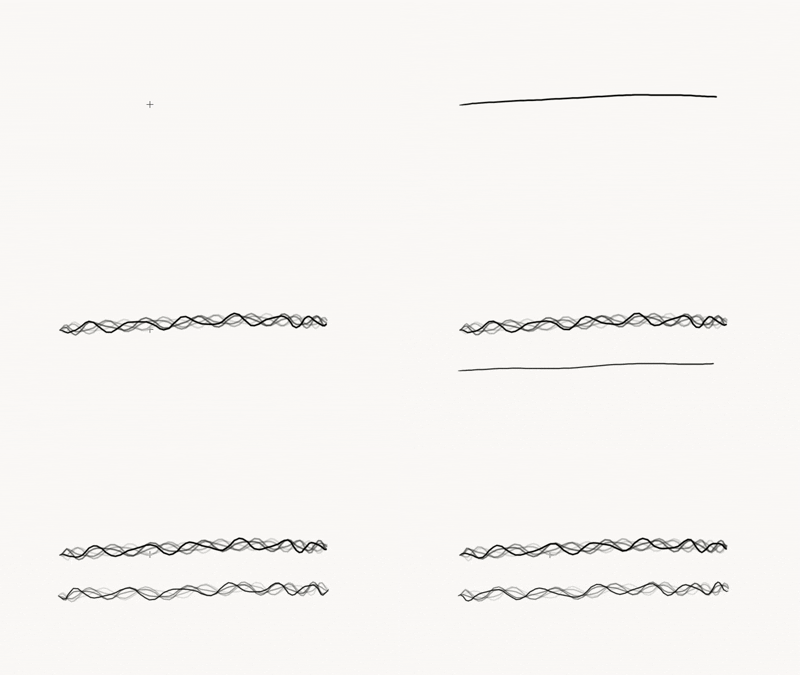
Wave Curve -- Draw a custom curve, and it controls the timing and intensity of your line's animation. Full control over the rhythm, no guesswork.
Brush Collection
All brushes support pen pressure for size and opacity.
Puppert Warp
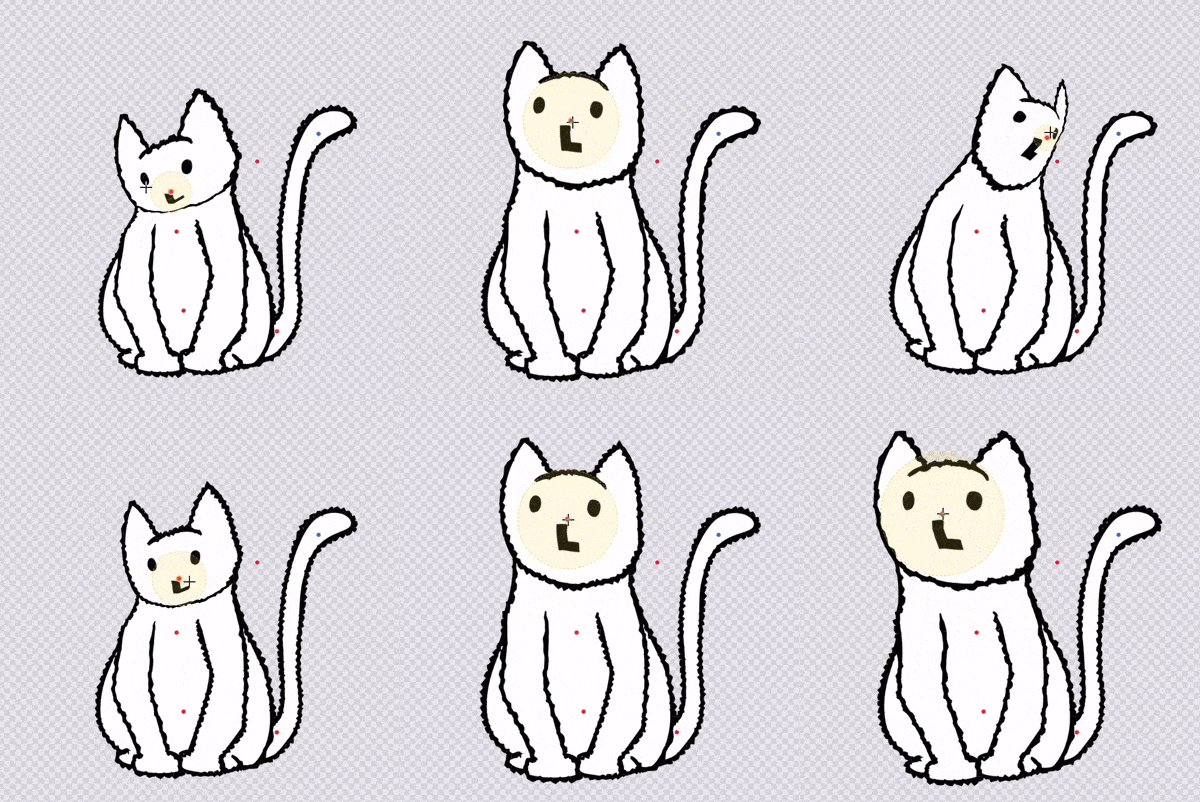
A tool for posing drawings and images by placing and dragging pins instead of redrawing them. It also comes with recording mode to Puppet Warp, drag a pin and it records the motion as keyframes automatically!
Layers
A full-featured layer system with:
- Drawing and image layers
- Layer opacity
- Blend modes
- Drag-and-drop layer ordering
- Visibility toggle
- Multiple layers selection
- Clip to layer below
Selection Tools
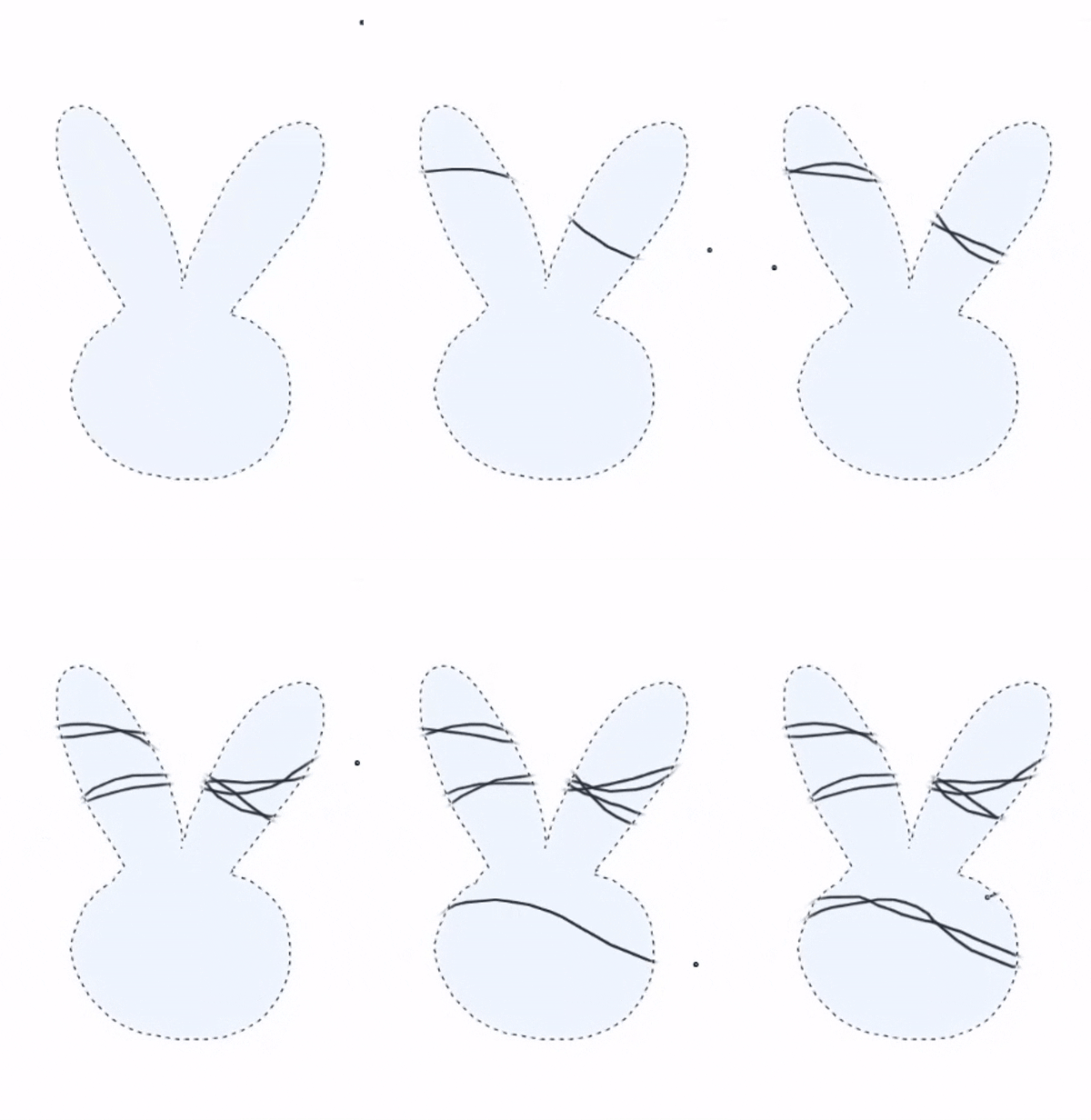
Lasso -- Select any area of your animation with a freeform loop, then move it, fill it, or delete it instantly.
- Move selected area
- Bucket Fill
Drawing Tools
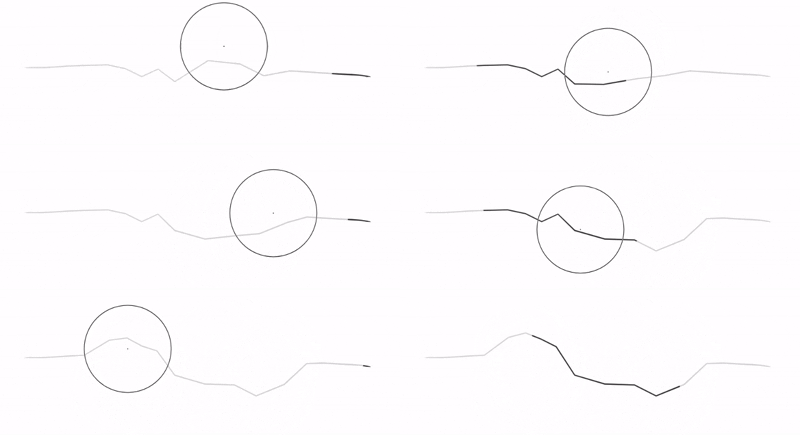
Liquify -- Trace over any line to warp, twist, or reshape it on the fly. Push, pinch, expand, or twirl your art into place.
- Custom canvas sizes
- Zoom and pan
- Undo and redo
- Color wheel and eyedropper
- Customizable keyboard shortcuts
Export
Export your animations as:
- GIF
- WebM
- MP4 (Desktop version only)
Free Trial
The trial version is fully functional except that projects can't be loaded and will only export as GIFs and WebMs.
Full desktop version (Windows)
The full app includes project save/load functionality and can export videos in MP4 format. Currently available for Windows only.
Early Alpha
Motionline Studio is currently in early alpha (v0.3.1). Core drawing, layers, animation, and export are all working, but expect rough edges and changes as development continues. Feedback and bug reports are very welcome!
Plans for Future Updates
- Continue fixing bugs and improving stability.
- Add more brushes, tools, and animation styles.
- Support for macOS, iOS, and Android.
- Improve seamless animation.
- Brush customization.
- Batch image export.
- Improve Lasso Tool.
- Improve Layers arrangment.
Purchase
In order to download this tool you must purchase it at or above the minimum price of $10 CAD. You will get access to the following files:
Development log
- MotionLine Studio 0.3.1 Updates44 days ago
- MotionLine Studio 0.3.0 Updates52 days ago
- Motionline Studio 0.2.3 Updates55 days ago
- Motionline Studio 0.2.2 Updates59 days ago
- Motionline Studio 0.2.1 Updates60 days ago
- Motionline Studio 0.2.0 Updates61 days ago
- MotionLine Studio 0.1.2 Updates62 days ago
- MotionLine Studio 0.1.1 Updates63 days ago


Leave a comment
Log in with itch.io to leave a comment.